AI Image Generator: Create Professional Visuals in Seconds
Describe your image, pick a style, and let artificial intelligence handle the rest. Unlens Studio is powered by the best AI image generation models to create high-quality visuals from a simple prompt. 8 creative styles, reference images, frame mockups — everything you need to produce professional images without design skills.
Generate an AI imageFree trials included
Contents
1. AI generation and edit engine2. 8 creative styles for every project3. Reference image and prompt4. Built-in frame mockups5. Formats and aspect ratios6. From generation to print7. Frequently asked questionsHigh-Quality AI Image Generation Engine
At the heart of Unlens Studio sits a state-of-the-art AI model dedicated to image creation. It produces realistic, detailed visuals that can rival professional photographs or high-quality illustrations.
Text-to-Image
Describe your image in words — subject, mood, colors, composition — and our AI generates it in seconds. Your prompts can be up to 2,000 characters, so you can be as specific as you need. The more detailed your description, the closer the result will match your vision.
AI Editing
Already have an image you want to tweak? Edit mode lets you transform an existing visual by describing the changes you want. Perfect for iterating on a creation or adapting a visual to a new context.
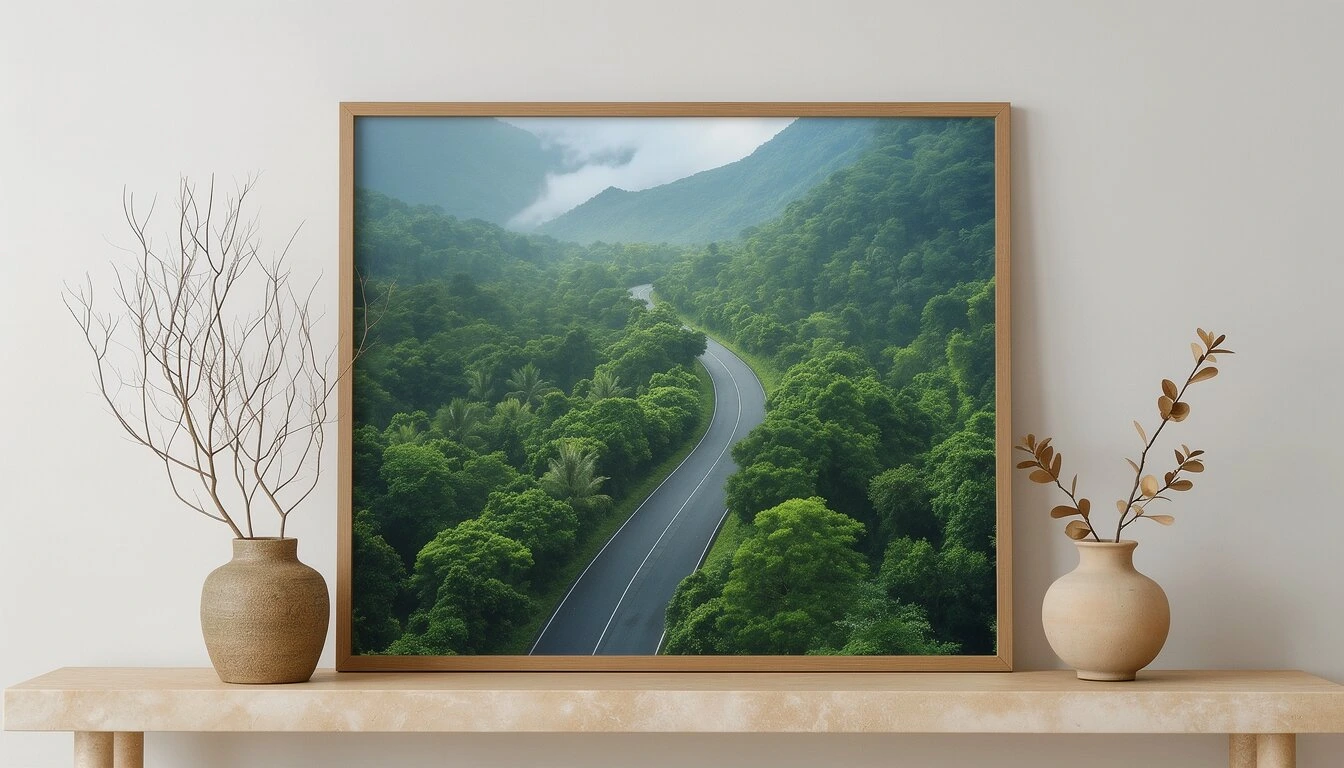
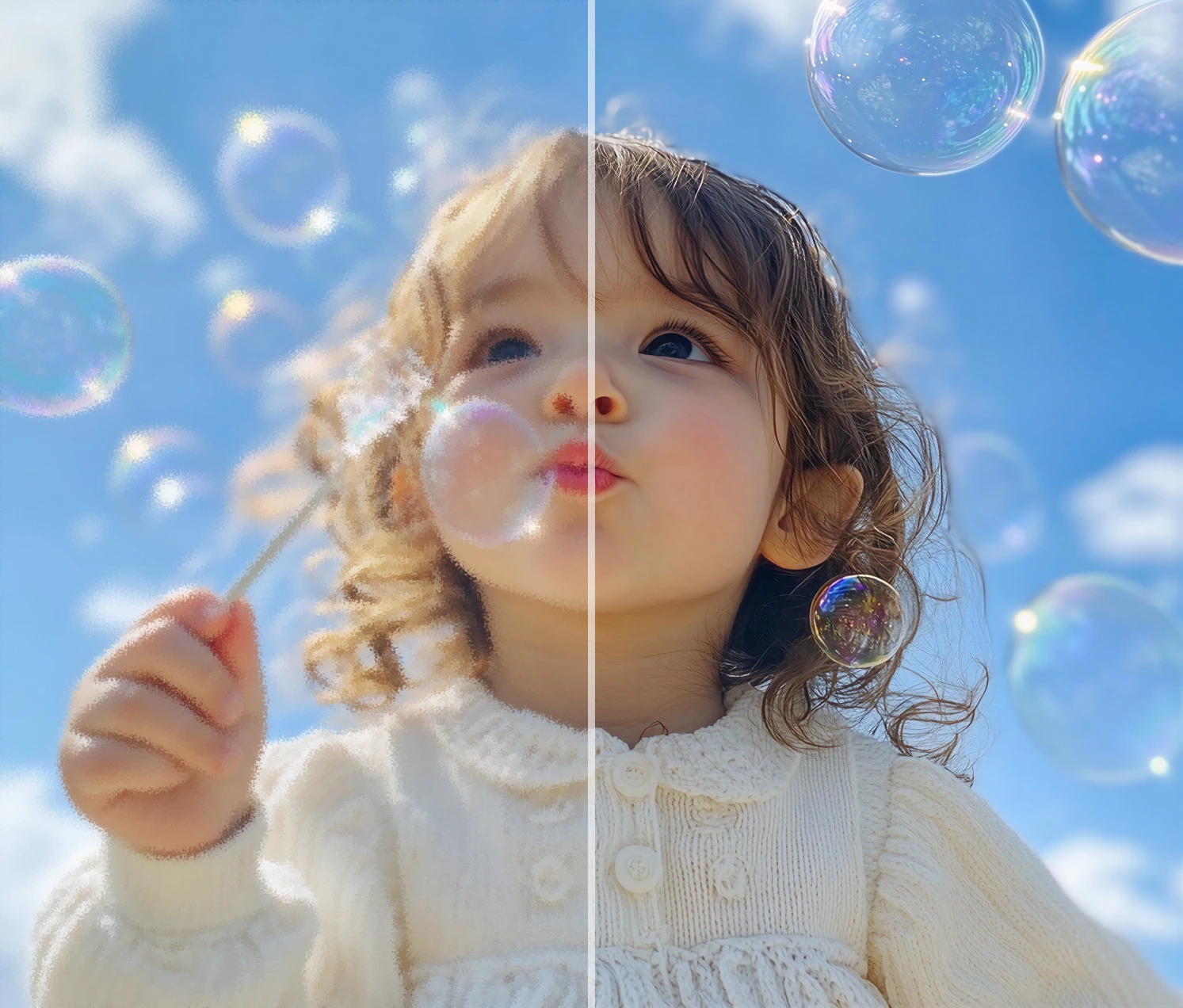
.webp) Image generated by Unlens Studio's AI engine
Image generated by Unlens Studio's AI engine 8 Creative Styles to Build Unique AI Visuals
Each style applies a distinct artistic direction to your generated image. Pick a theme before generating and combine it with your prompt and reference image for fully controlled results.
Vintage
Warm tones, photographic grain, aged paper texture, retro aesthetic
Minimal
Clean design, negative space, sharp lines, classic typography
Neon
Vivid colors, fluorescent glow, urban cyberpunk vibe
Watercolor
Translucent layers, painterly textures, fluid organic gradients
Comic
Strong outlines, vibrant colors, pop illustration style
Japandi
Japanese-Scandinavian fusion, neutral tones, serenity, wabi-sabi
Pop Art
Maximum contrast, saturated colors, Warhol inspiration
No style
Total freedom — the result follows only your prompt and reference
Reference Image and Prompt: Guide the AI
Got an inspiration image — a photo, an illustration, a moodboard? Upload it as a reference image. The AI engine will use it to drive the style, color palette and composition of the generated image. It's the perfect tool to stay consistent with your visual identity or to recreate the mood of an existing visual.
Prompts up to 2,000 characters
Unlens Studio's prompt system accepts long, detailed descriptions — up to 2,000 characters. Describe the subject, the background, the lighting, the colors, the perspective, the mood. The more precise your prompt, the closer the result will match what you imagine.
Combine style + reference + prompt
The three inputs — style theme, reference image, and text — work together. For example: select the Japandi style, upload a photo of a minimalist interior as reference, and describe "a bright living room with a ceramic vase and a green plant". The result will combine the Japandi aesthetic, the mood from your reference, and the elements of your description.
 Prompt input with reference image upload
 AI Frame Mockups: Show Your Creations in Context
Need to display your image in a real-world context? Unlens Studio includes 3 frame mockups that automatically place your visual in a professional scene. Perfect for presenting a project to a client, posting on social media, or building a decoration catalogue.
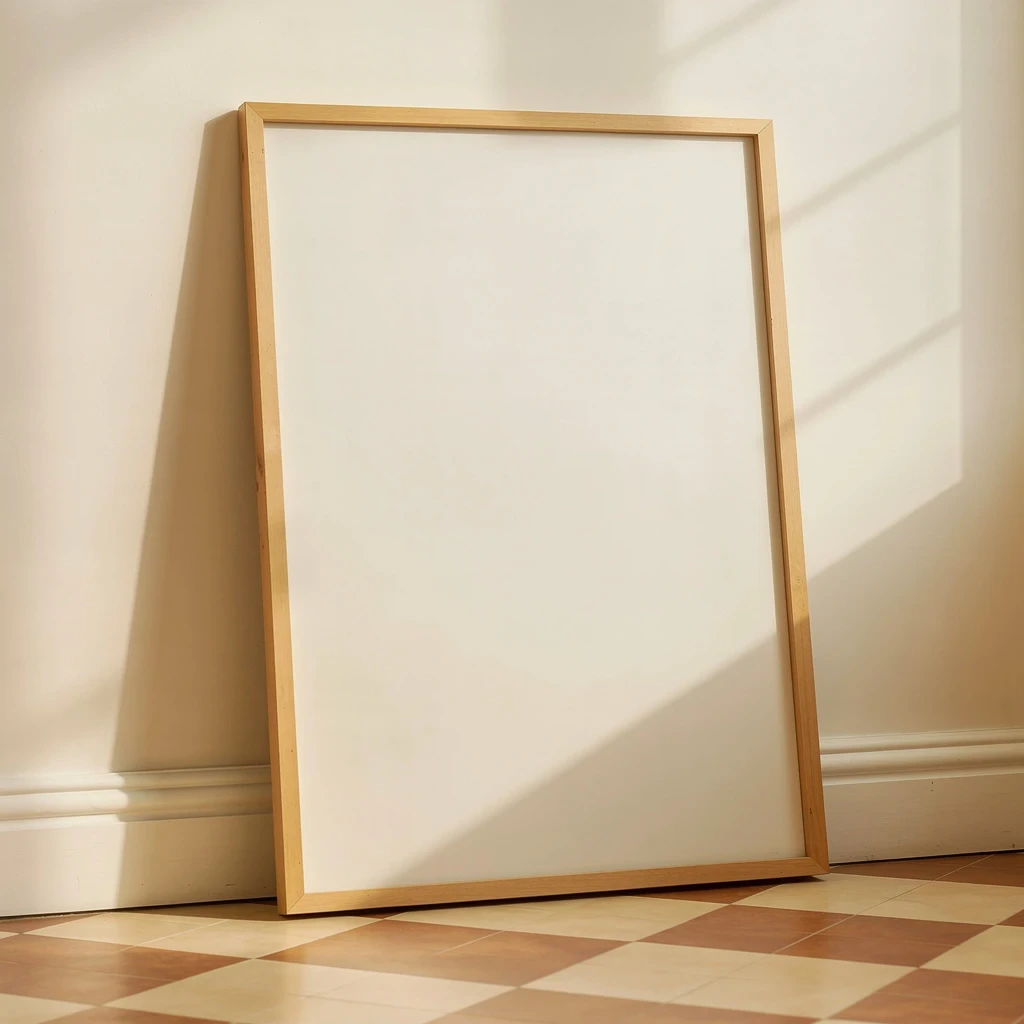
Wooden frame on the floor
Warm studio vibe. Natural rendering, ideal for artistic visuals or interior photography.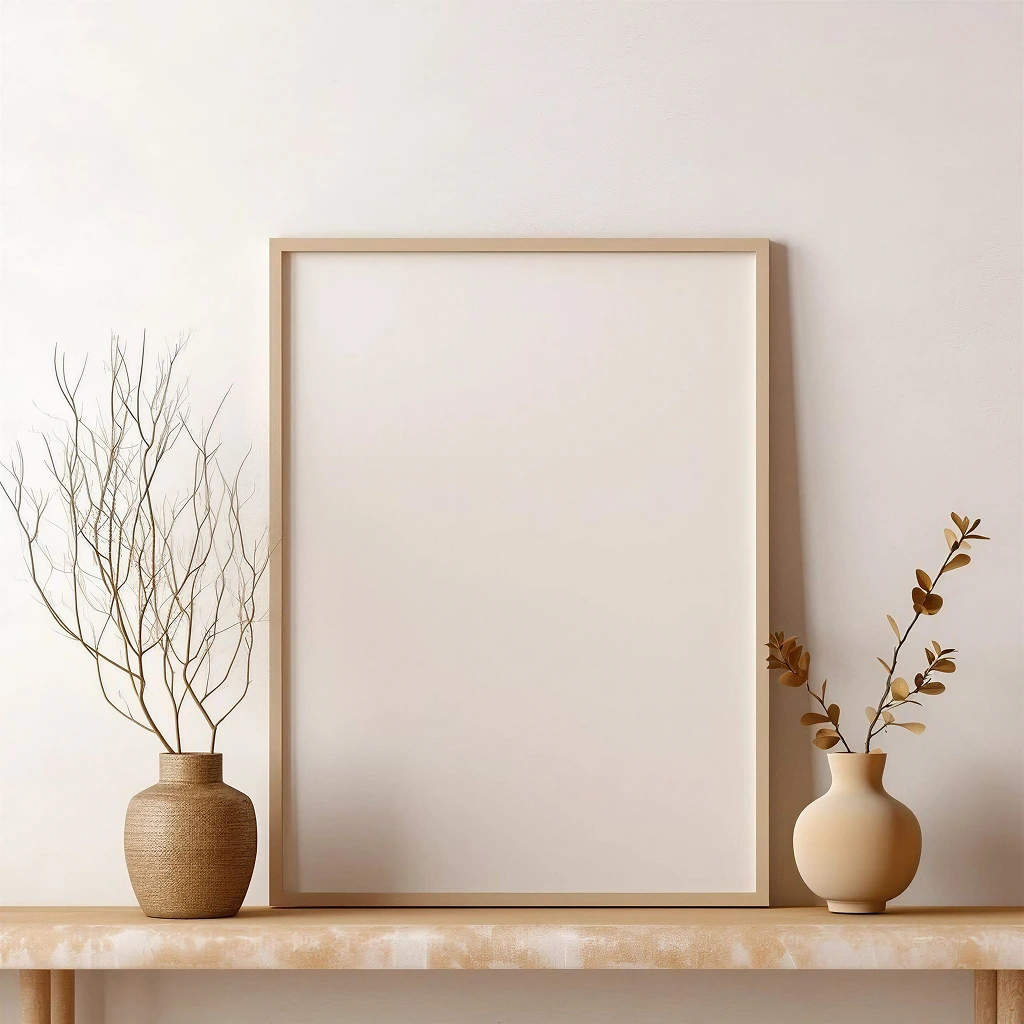
Frame on a marble console
Elegant and refined style. Premium showcase for high-end creations or decoration visuals.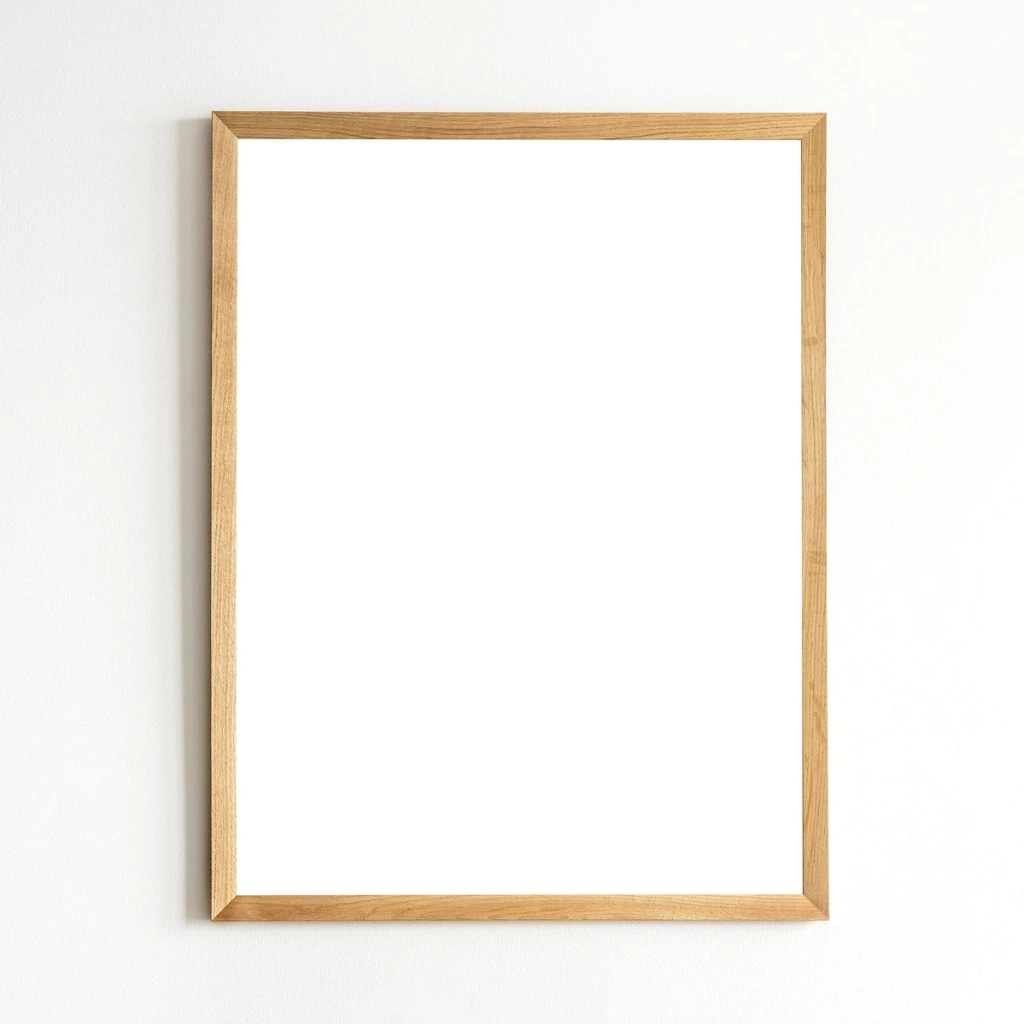
Wooden frame on the wall
Classic wall view. Perfect for visualizing a painting, poster or photograph in a real interior.5 Image Formats for Every Channel
Each delivery channel has its own aspect ratio requirements. Unlens Studio offers 5 preset formats so your image is ready for its destination — social media, website, print, or digital signage.
| Ratio | Format | Recommended use |
|---|---|---|
| 1:1 | Square | Instagram, profiles, icons, product visuals |
| 4:3 | Classic landscape | Slides, websites, standard print |
| 3:4 | Classic portrait | Posters, portraits, book covers |
| 16:9 | Panoramic | Web banners, wallpapers, YouTube thumbnails |
| 9:16 | Vertical | Instagram Stories, Reels, TikTok, vertical posters |
 The 5 aspect ratios available in Unlens Studio
 From Generation to Print: The Full Workflow
Unlens Studio doesn't stop at generation. You can chain image creation with AI upscaling and print preparation — all without leaving the tool. An integrated workflow that saves you time:
- Generate your visual from a prompt, a creative style and an optional reference image
- Upscale the result to high resolution with our AI upscale tool — up to 8K with 3 model choices (WaveSpeed, Topaz Text Refine, Local Multiply)
- Prepare the file for print: 300 DPI, exact format crop, sRGB profile
This complete pipeline is especially useful for poster creators, interior designers and marketing professionals who need original, printable visuals.
Open the StudioNeed to enlarge an image?
Upscale your visuals to 4K or 8K for large-format printing, with built-in 300 DPI preparation and sRGB profile. 3 AI models to choose from based on your content type.
AI Image Upscale →Ready to Create Your AI Images?
Open Unlens Studio and generate your first AI visual in seconds. Free trials included.
Generate an AI image nowFrequently Asked Questions about AI Image Generation
What AI technology does Unlens use to generate images?Unlens Studio is powered by the best AI image generation models, capable of creating visuals from text (text-to-image) and editing existing images. These models produce high-quality visuals with a realistic, detailed rendering, suited for professional use.
Which creative styles are available in the generator?8 themes are available: vintage (retro poster, warm tones), minimal (clean, sharp lines), neon (urban vibe, fluorescent glow), watercolor (painterly translucency), comic (strong outlines, vivid colors), japandi (Japanese-Scandinavian fusion, neutral tones), pop art (saturated colors, Warhol style), and a no-style mode for total freedom.
Can I use a reference image to guide the generation?Yes. Upload an inspiration image (photo, illustration, moodboard) that the AI engine will take into account to drive the style, colors and composition of the result. It's ideal for staying consistent with your visual identity or recreating the mood of an existing visual. Accepted formats are JPEG, PNG, WebP and GIF (10 MB max).
How do the frame mockups work?Unlens offers 3 preset settings: a wooden frame on the floor (workshop vibe), a frame on a marble console (elegant style), and a wooden frame on the wall (classic view). Pick a mockup before generating and your image will be automatically integrated into the scene for a professional, share-ready render.
What image formats and ratios can I generate?5 ratios are available: 1:1 (square — Instagram, profiles), 4:3 (landscape — slides, websites), 3:4 (portrait — posters, covers), 16:9 (panoramic — banners, YouTube), and 9:16 (vertical — Stories, Reels, TikTok). Pick the format that fits your channel.
Can I enlarge an AI-generated image to print it?Absolutely. After generation, use our AI upscale tool to enlarge the image to 4K or 8K and prepare it at 300 DPI for professional print. The generation → upscale → print workflow is fully integrated in Unlens Studio.